For bulk images what we can do ? Like for 100s of images ..
Cleanmark cannot remove watermarks from hundreds of images in one batch. Its browser tool opens one image, repairs that image, and downloads one PNG. For multiple pictures, finish and save each result before choosing the next file. There is no batch queue or batch export.
What we checked in the browser: the file chooser does not allow multiple selection. We opened an owned test image with an artificial interior mark, selected the mark with the brush, repaired it, and downloaded a PNG. Then we chose a second, different test image. The second upload replaced the first editor state and removed the first result's download controls.
This is evidence of a sequential workflow with two images. It is not a speed test for a hundred files, and it is not evidence of unattended processing.
What the two-image run showed
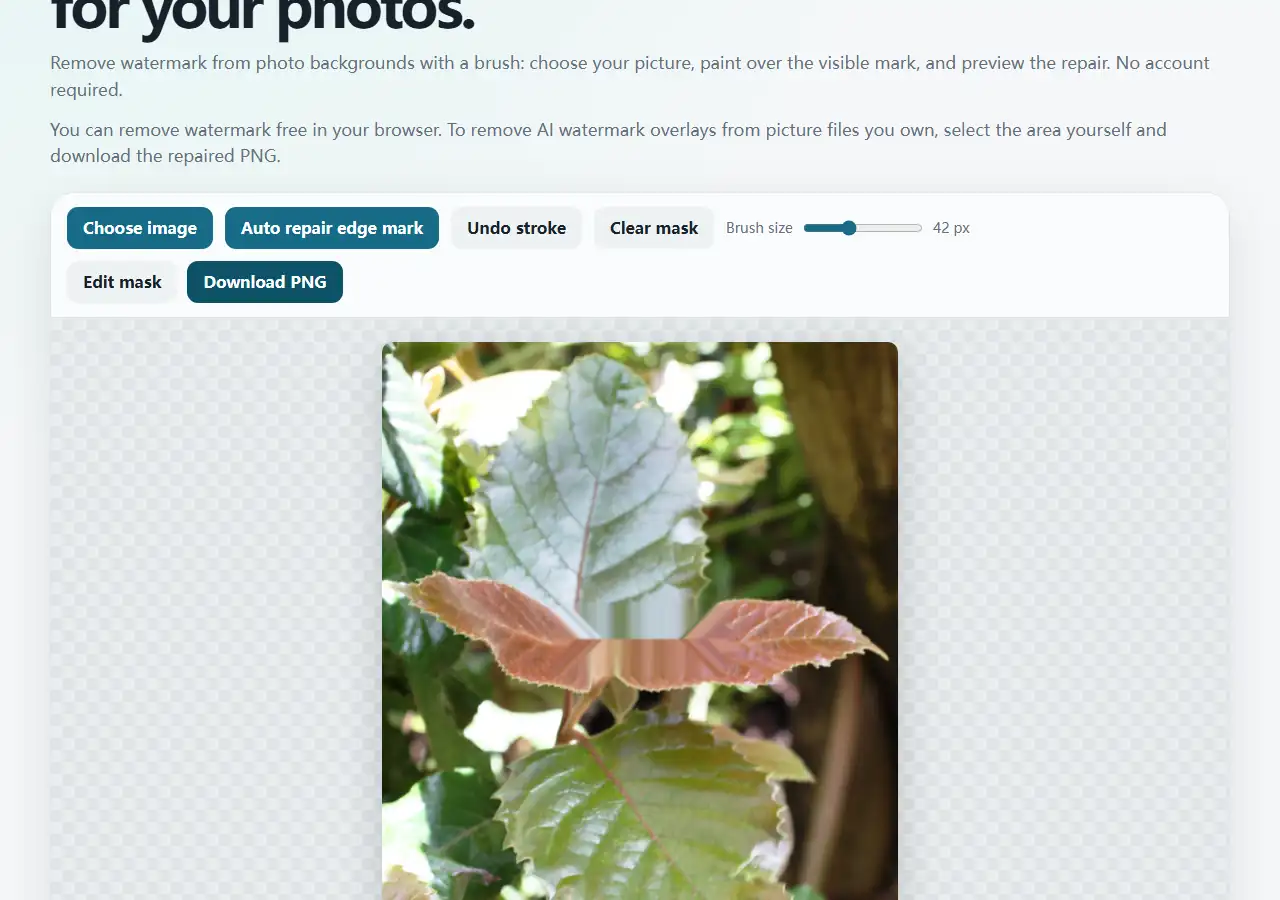
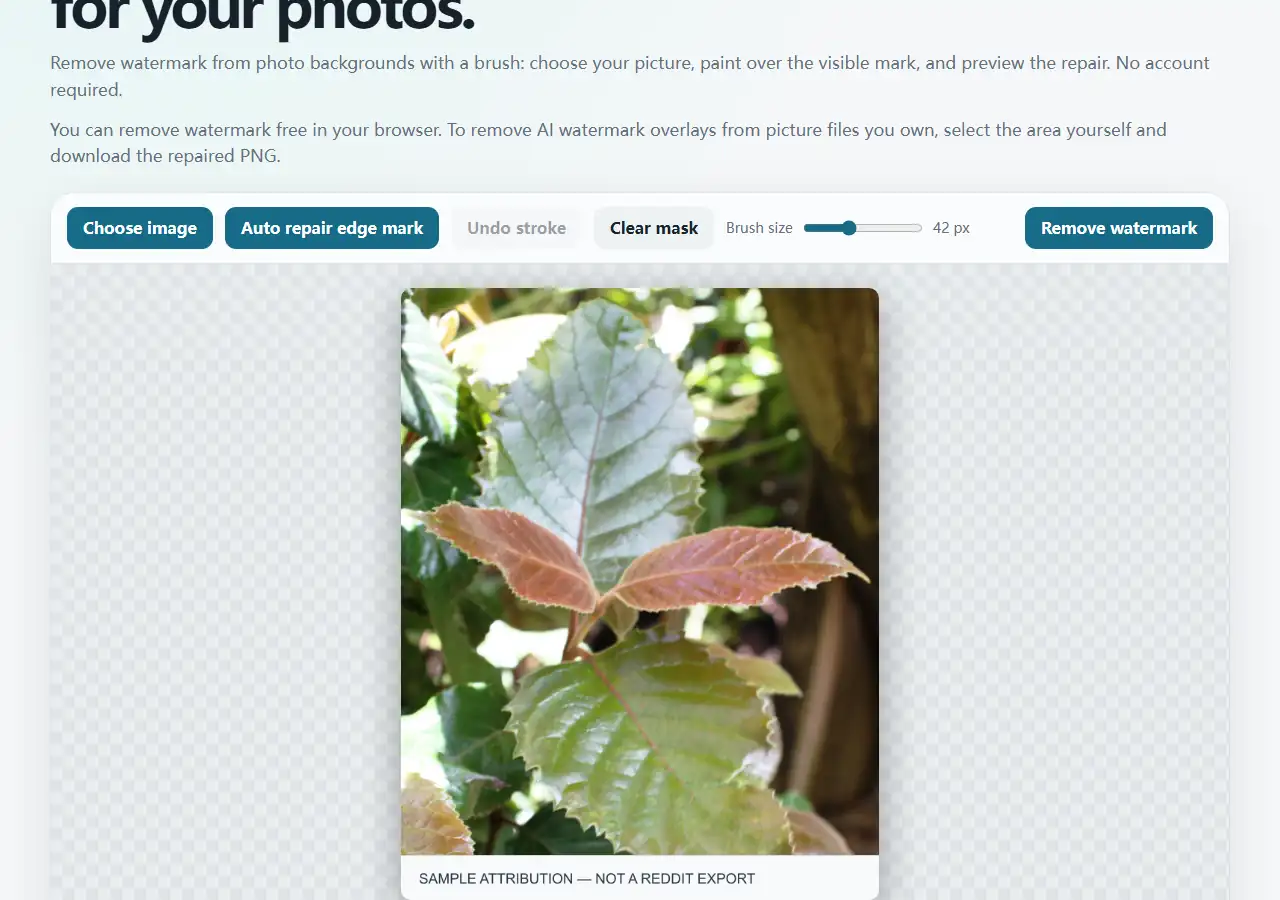
The first input and exported result measured 640 × 758 pixels in this run. The browser comparison found 18,995 changed pixels and no page errors. The next input measured 640 × 818 pixels and replaced the first preview. These measurements describe two controlled files with artificial marks; they do not predict throughput or repair quality for a large collection.
If you have many images
- Keep an untouched copy of every image you own or have permission to edit.
- Open one supported PNG, JPG/JPEG, or WebP image in the Cleanmark browser tool.
- Try automatic repair only for a small, high-contrast mark on a simple corner or edge. For an interior mark, use the brush to select it yourself.
- Inspect the preview and download that image's PNG before opening another file.
- Repeat manually for the next file, keeping the original and exported copies distinct.
Where this stops: there is no multi-file upload, shared mask across files, automatic job queue, or combined download. A new upload does not preserve the previous editor result. Cleanmark fills a painted area from nearby pixels without a generative model; detailed textures and large painted areas may leave visible artifacts. Do not assume the same mark or mask will work on every image.
Answer for a large set
You can process files individually here, but this page cannot turn hundreds of files into a single click. If you need true batch processing, you need a tool with an explicitly supported batch workflow. Do not upload a collection expecting Cleanmark to queue it or process it in the background.