Should you crop or brush away a corner watermark?
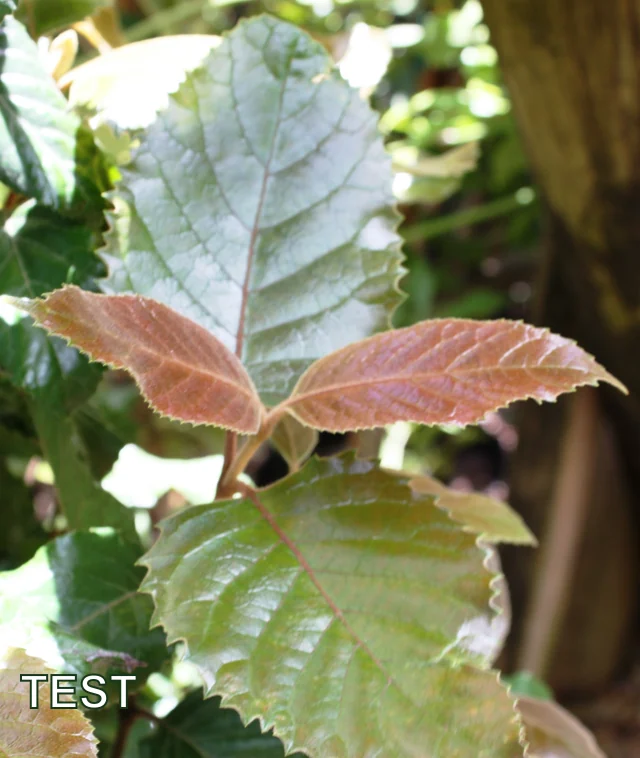
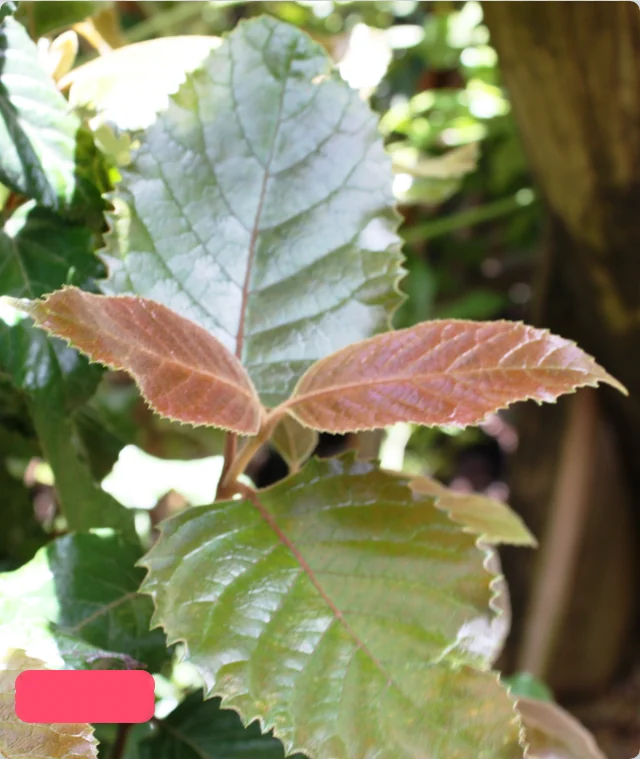
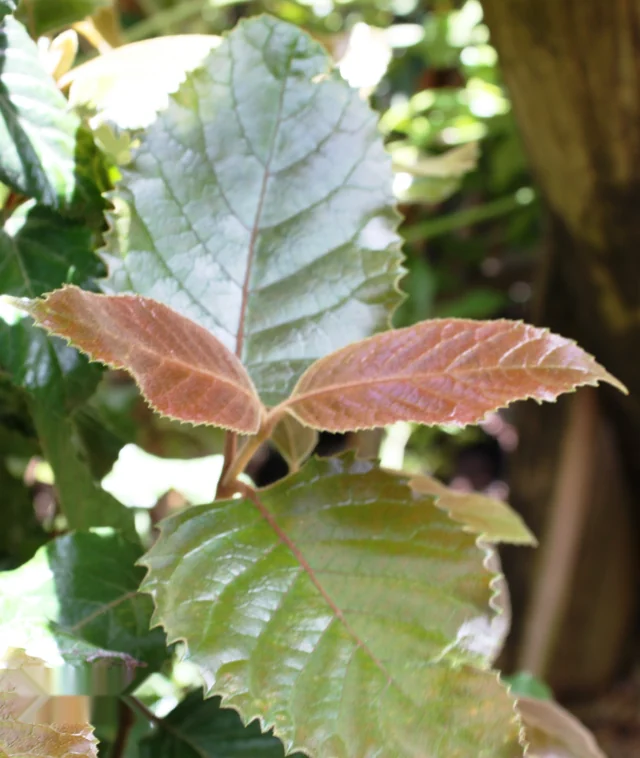
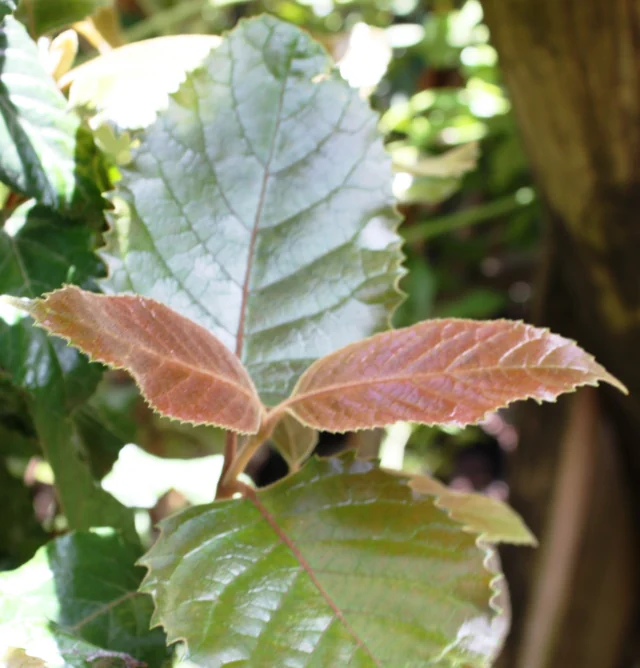
Crop when the marked edge is expendable; brush when you need to keep the full frame and can accept a visible repair patch. In our controlled test on a real foliage photo, the crop gave a clean lower edge but removed part of a leaf. Cleanmark's brush kept the frame and erased the readable TEST letters, yet left a smeared patch.
The photograph was not originally watermarked. We added a clearly artificial TEST mark to a public-domain photo solely for this comparison. Edit images you own or have permission to change. A clean-looking edit does not restore hidden original pixels.
How we compared the edits
We used Abu Shawka's public-domain foliage photograph. We made a 640 × 758-pixel copy and added TEST at its lower-left corner. For the crop, we removed 90 bottom rows across the image's full width. For the brush, we uploaded the marked copy to Cleanmark, painted three strokes, clicked Remove, and downloaded its PNG. The brush output was 640 × 758 pixels; the cropped output was 640 × 668.

The crop lost 90 ÷ 758 of the original height, or 11.9% rounded to one decimal place. That loss is not just blank space: the bottom of a large leaf disappears. The brush keeps those rows, but the repair blends nearby colors into a patch that does not reconstruct the leaf tip. The two results solve different problems, and neither is a perfect restoration of the unmarked photograph.
What this means for your image
If the mark sits entirely in a disposable border and the subject survives a tighter frame, cropping avoids guessing at covered pixels. If a crop would remove useful context, try a small, accurate brush selection and inspect the output at normal viewing size and zoomed in. A mark across a face, object edge, gradient, or detailed texture is harder for this nearby-pixel repair method. You may keep the frame but still see where the edit happened.
Cleanmark works in your browser: your image is not uploaded for this repair. It processes one PNG, JPG/JPEG, or WebP image at a time and exports a PNG. It is a manual brush tool, not an automatic detector or a generative reconstruction model. When a source image can be obtained without a mark, that source is preferable to either edit.
Questions
Will brushing preserve the original dimensions?
It did in this run: both the marked input and downloaded brush PNG measured 640 × 758 pixels. The crop measured 640 × 668. Matching dimensions do not mean the covered scene was recovered; the brush patch is visible.
Did you test an existing watermark on this photograph?
No. We added the TEST label ourselves to a real, public-domain photograph. These images document a controlled comparison, not a performance guarantee for existing third-party watermarks.