TikTok Watermark Remover
Paste a public TikTok video link to get the available watermark-free MP4. This tool retrieves a video source rather than cropping your picture or painting over its pixels. Use it only for your own videos or with the creator's permission.
Paste one video link. No Cleanmark account is needed.
Save and play the file before reusing it. A download does not grant rights to its content.
Download your TikTok video
- Copy the public video's share link from TikTok.
- Paste it above and confirm that you have permission to download it.
- Select Get MP4, then Download MP4 when a source is available.
- Play the saved file and check the picture, sound and full duration.
What this tool changes
The MP4 is passed through without a crop or a new browser recording. This is not an editor for an already-downloaded file: it cannot erase a logo burned into a local video, reconstruct hidden details, or remove a creator's own graphics. Source availability and quality depend on the video returned by the provider.
One actual MP4 download check
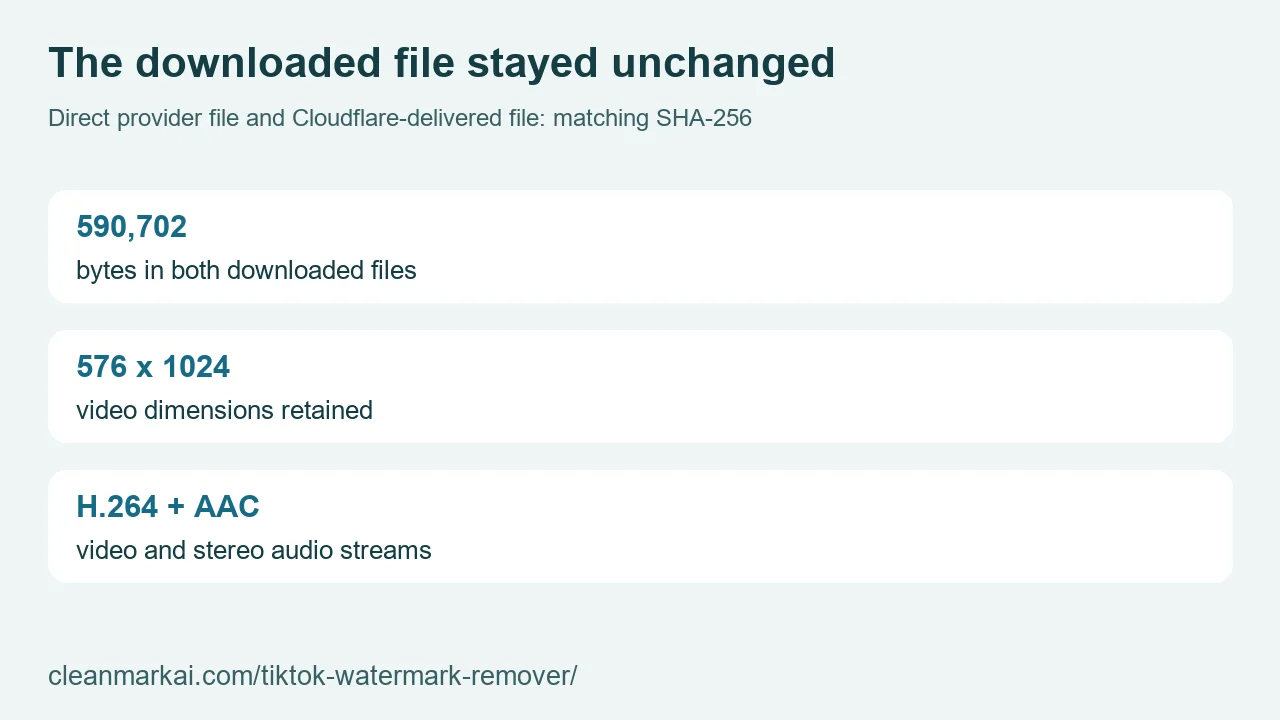
We tested the public TikTok account example linked in the provider's API documentation, then submitted that same link through this page's form. This was a real request and a real file download, not a screenshot of a ready button or a mock response. The file downloaded through our Cloudflare test deployment contained 590,702 bytes. Its SHA-256 hash matched the MP4 downloaded directly from the provider, byte for byte.
A decoder read the downloaded picture as 576 by 1024 pixels, with an H.264 video stream and an AAC stereo audio stream. It displayed a duration of 60.07 seconds; the provider's metadata rounded the duration to 60 seconds. We decoded the complete downloaded file without a reported decode error. These observations describe this example, not a promised resolution, sound format or duration for another video.
Four sampled frames still showed a TikTok graphic that belonged to the video's design. Passing through a source file does not erase that graphic. This check therefore does not mean that every visible logo disappears. It also was not a comparison between a watermarked export and its original: the byte comparison was between the provider's MP4 and the file delivered by our download route.
For this run, our server did not cut the frame, synthesize replacement pixels or record a new silent clip in the browser. The matching files are the evidence for that limited result. Keep your own original when you have it, and inspect your saved download rather than assuming this example guarantees another link will work.
Links, limits and privacy
Use a standard TikTok video URL or a vm.tiktok.com / vt.tiktok.com share link. Photo slideshows, profile links and other platforms are not supported here. Private, deleted or restricted videos may be unavailable. The download limit is 120 MiB; a prepared download link expires after 15 minutes.
Your TikTok link goes through Cleanmark's server to TikWM. The returned video passes through Cleanmark for download; this is a server-backed workflow, unlike our local image brush. No TikTok password, login cookie or private account access is requested. See TikWM's privacy policy and Cleanmark's privacy policy.
This tool uses a shared free allowance. If the provider's quota, rate limit or availability prevents a result, the tool reports an error. It does not start a paid plan. Cleanmark is independent of TikTok and ByteDance.
Working on a still image instead?
For a supported Gemini image corner overlay, use the Gemini corner watermark tool. For a small visible mark you need to select by hand, follow the free image tool steps. Those image workflows do not process a TikTok video.